AI 图片 · 创建异步任务, 将商品图片,生成透明图.
一、接口名称
| 项 | 说明 |
|---|---|
| 接口名称 | AI 图片 · 创建异步任务 |
| 接口地址 | https://kf.fw199.com/gateway/ai/image/task/create |
| 请求方式 | POST |
| Content-Type | application/x-www-form-urlencoded 或 multipart/form-data |
二、鉴权与签名
公共参数
| 参数名 | 类型 | 是否必需 | 说明 |
|---|---|---|---|
| appid | string | 必需 | 蜂巢开放平台 AppId |
| timestamp | string | 必需 | Unix 秒级时间戳,与服务端偏差不超过 10 分钟 |
| sign | string | 必需 | MD5 签名,算法见 蜂巢开放平台开发指南 |
三、业务参数
3.1 通用参数
| 参数名 | 类型 | 是否必需 | 说明 |
|---|---|---|---|
| task_type | string | 必需 | 任务类型 |
| service_tier | string | 否 | 默认 fast |
| client_task_id | string | 否 | 调用方幂等 ID;为空时服务端用生成的 task_id 填充 |
| prompt | string | 条件必需 | 提示词; |
| images | string(JSON 数组) | 条件必需 | 推荐图片输入,每项包含 url 和 role,见 3.2 |
| callback_url | string | 否 | 任务完成后的 HTTP 回调地址( POST JSON),确保公网可访问. |
| width | int | 否 | 输出宽度;建议用1024 ,范围:[768,2048], 传0表示用传入的图片的大小 |
| height | int | 否 | 输出高度; 建议用1024 ,范围:[768,2048], 传0表示用传入的图片的大小 |
3.2 图片入参规则
推荐在表单的 images 文本字段中提交以下 JSON 数组(不是整个请求改为 JSON body):
[
  {"role": "product", "url": "https://example.com/tshirt.jpg"},
]
@Test
public void createMattingTask() throws Exception {
String apiUrl = "https://kf.fw199.com/gateway/ai/image/task/create";
String sourceImageUrl =
"https://gw.alicdn.com/imgextra/O1CN0195pSHaOCiVB2vH2e_!!890482188-0-picasso.jpg_.webp";
String images = "[{\"url\":\"" + sourceImageUrl + "\",\"role\":\"product\"}]";
Map<String, String> data = new HashMap<>();
data.put("appid", Config.AppId);
data.put("timestamp", String.valueOf(System.currentTimeMillis() / 1000));
data.put("task_type", "goods.matting");
data.put("service_tier", "fast");
data.put("images", images);
data.put("prompt", ""); // 空串也参与签名
data.put("callback_url", "http://youcallbackdomain.com");
data.put("width", "1024"); // 0 或未传:跟原图
data.put("height", "1024");
data.put("sign", Utils.Sign(data, Config.AppSecret));
// Content-Type: application/x-www-form-urlencoded
String result = doHttpRequest(apiUrl, data);
System.out.println("result:" + result);
}
提交任务返回结果
{
    "code": 0,
    "message": "ok",
    "data": {
        "task_id": "ait20260908162256298630",
        "client_task_id": "ait20260908162256298630",
        "task_type": "goods.matting",
        "status": "created",
        "duplicated": false
    },
    "trace_id": "c43c8148-76fa-4e84-a48d-5181c3f97ecb"
}
四、异步任务回调
当图片处理任务完成以后, 蜂巢自动将处理完成的图片,回调给请求入参callback_url传入的网址.
异步任务http回调的内容
{
    "client_task_id": "ait20260908162256298630",
    "error_code": "",
    "error_msg": null,
    "output": {
        "images": [
            {
                "url": "https://static.fw199.com/fc/ai-image/tmp/11/xxxxxxx.png"
            }
        ]
    },
    "status": "success",
    "task_id": "ait20260908162256298630",
    "task_type": "goods.matting"
}
生成的图片请在2天内下载保存,过期会被清掉
本地模拟蜂巢http异步回调给您的网站Url(callback_url),
curl -i -X POST 'https://youdomain.com/api/fengchao/callback' \
  -H 'Content-Type: application/json' \
  -d '{
    "client_task_id": "ait20260908133532829845",
    "error_code": "",
    "error_msg": null,
    "output": {
      "images": [
        {
        "url": "https://static.fw199.com/fc/xxxxxxxxxxxxxxxxxxxxxxxxx.png"
        }
      ]
    },
    "status": "success",
    "task_id": "ait20260908133532829845",
    "task_type": "goods.matting"
  }'
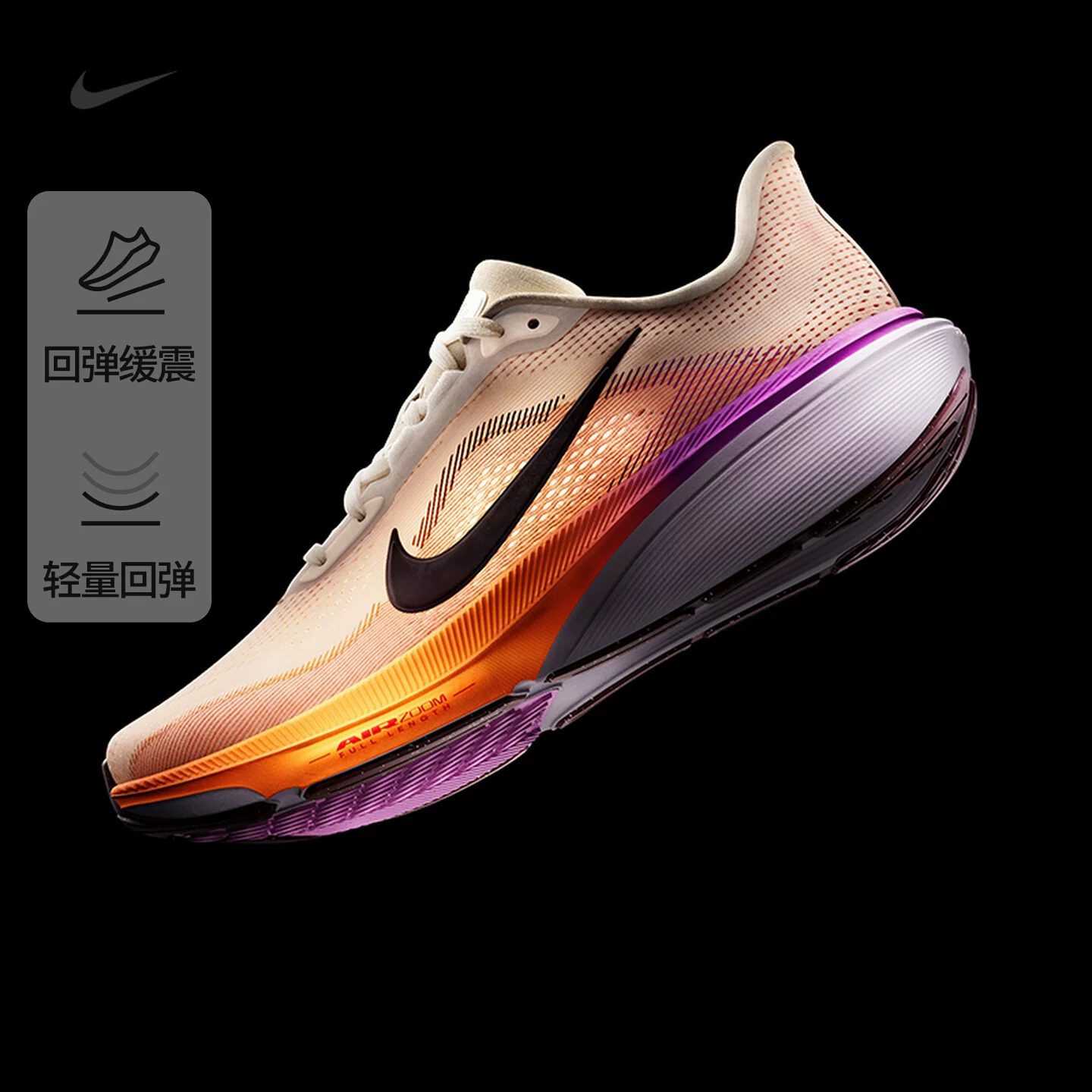
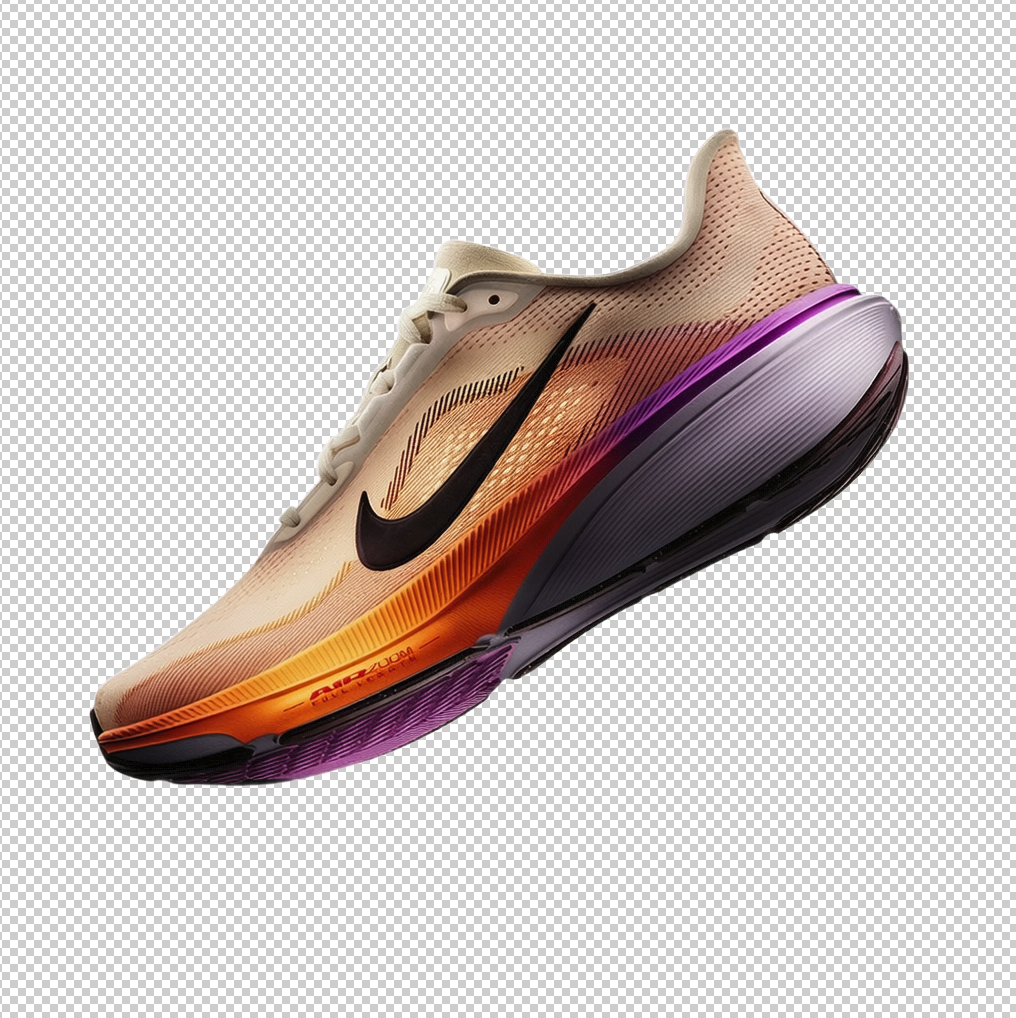
五、效果展示
原图:
生成透明图:
文档更新时间: 2026-09-08 17:22 作者:admin